How to Fix the “Your IP Address Has Been Banned” Error
Seeing the message “Your IP address has been banned” can feel frustrating and confusing. However, you’re not alone—this issue happens more often than you might expect.
In most cases, websites block IP addresses when they detect unusual or high-frequency activity. Fortunately, you can fix this problem quickly if you follow the right steps.
In this guide, you’ll learn:
- What this error actually means
- Why websites block your IP
- 7 proven ways to fix it fast
- How to prevent it in the future
What Does “Your IP Address Has Been Banned” Mean?
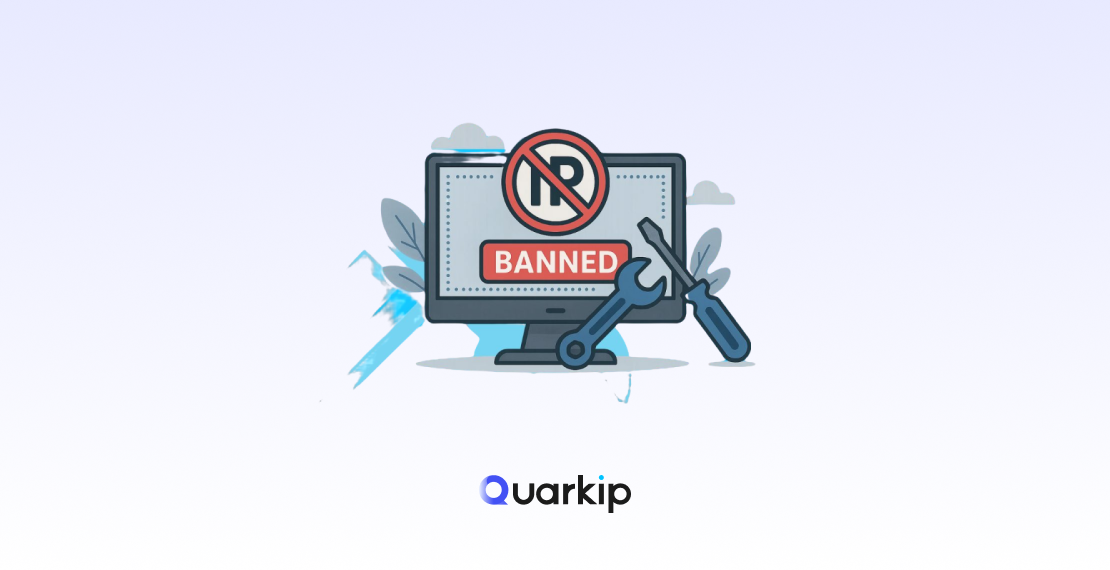
When a website bans your IP address, it actively blocks your access to its servers. As a result, you can’t load pages or interact with the site.
Typically, websites use security systems such as:
- Firewalls
- Rate-limiting tools
- Anti-bot protection systems
These systems aim to stop abuse and protect resources. However, they sometimes block legitimate users by mistake.
👉 Important:
In many situations, the ban only lasts for a limited time. Therefore, you may regain access automatically after a cooldown period.
Why Your IP Address Got Banned
Before you fix the issue, you should understand what caused it. Otherwise, the problem may happen again.
1. You Sent Too Many Requests Too Quickly
If you refresh pages repeatedly or run scripts, the website may detect abnormal traffic. As a result, it may block your IP.
2. Your Behavior Looks Like a Bot
When you use automation tools or scraping scripts, your traffic patterns often look unnatural. Therefore, security systems may flag your activity.
3. You Share an IP With Other Users
Sometimes, you don’t cause the issue yourself. Instead, another user on the same network may trigger the ban.
4. You Violated Website Rules
If you try to bypass restrictions or access protected content, the system may immediately block your IP.
5. You Used Low-Quality Proxies or VPNs
Many websites maintain blacklists of known proxy IPs. Therefore, if you use a low-quality service, you may get blocked instantly.
7 Ways to Fix the “Your IP Address Has Been Banned” Error
Now that you understand the causes, let’s go through the most effective solutions.
1. Wait for the Ban to Expire
First, check if the ban is temporary. In many cases, websites automatically lift restrictions after a short period.
When to use this:
- Minor violations
- Rate-limit triggers
2. Restart Your Router
Next, restart your router to request a new IP address. If your ISP provides dynamic IPs, this method often works immediately.
3. Switch to a Different Network
Alternatively, connect to another network. For example, you can:
- Use mobile data
- Try a different Wi-Fi connection
As a result, you’ll access the website with a new IP.
4. Clear Your Browser Cache and Cookies
Sometimes, stored data can trigger security checks. Therefore, clearing your cache helps reset your browsing session.
5. Turn Off VPN or Proxy Services
If you use a VPN or proxy, disable it temporarily. Many websites actively block known VPN IP ranges.
6. Contact the Website Administrator
If none of the above methods work, contact the website directly. Explain your situation clearly and provide your IP address.
In many cases, support teams will review and remove the ban.
7. Use a High-Quality Residential Proxy
If you need stable and long-term access, you should use a high-quality residential proxy.
Unlike datacenter IPs, residential proxies route your traffic through real user devices. Therefore, websites treat your requests as legitimate.
As a result, you get:
- Lower detection risk
- Higher success rates
- More stable sessions
How to Prevent Your IP From Being Banned Again
Although fixing the issue helps, preventing it matters even more. So, follow these best practices.
✅ Control Your Request Speed
Avoid sending too many requests within a short time. Instead, add delays between actions.
✅ Rotate IP Addresses
Distribute your traffic across multiple IPs. As a result, you reduce the chance of detection.
✅ Mimic Real User Behavior
Act like a real user. For example, scroll pages, pause between clicks, and vary your actions.
✅ Choose Reliable Proxy Services
Always use high-quality proxy providers. Otherwise, you risk using IPs that websites already flagged.
When Should You Use a Proxy?
In some scenarios, using a proxy is not optional—it’s necessary.
For example, you should use a proxy when you:
- Manage multiple accounts
- Run scraping or automation tasks
- Access geo-restricted content
- Perform large-scale data collection
In these cases, residential or ISP proxies provide the best balance between stability and success rate.
Although the “Your IP Address Has Been Banned” error may seem serious, you can usually fix it بسرعة.
First, try simple solutions like switching networks or restarting your router. However, if you face this issue frequently, you should adopt a more stable solution.
Ultimately, the key lies in reducing suspicious behavior and using reliable IP resources. Once you apply these strategies, you can browse and operate without interruptions.
FAQ
Q1: How long does an IP ban last?
It depends on the website. In some cases, the ban lasts only a few minutes. However, serious violations may lead to permanent bans.
Q2: Can I fix an IP ban by myself?
Yes. You can switch networks, change your IP, or contact the website administrator.
Q3: Does a VPN prevent IP bans?
Not always. In fact, many websites block VPN IPs. Therefore, a low-quality VPN may increase your risk.