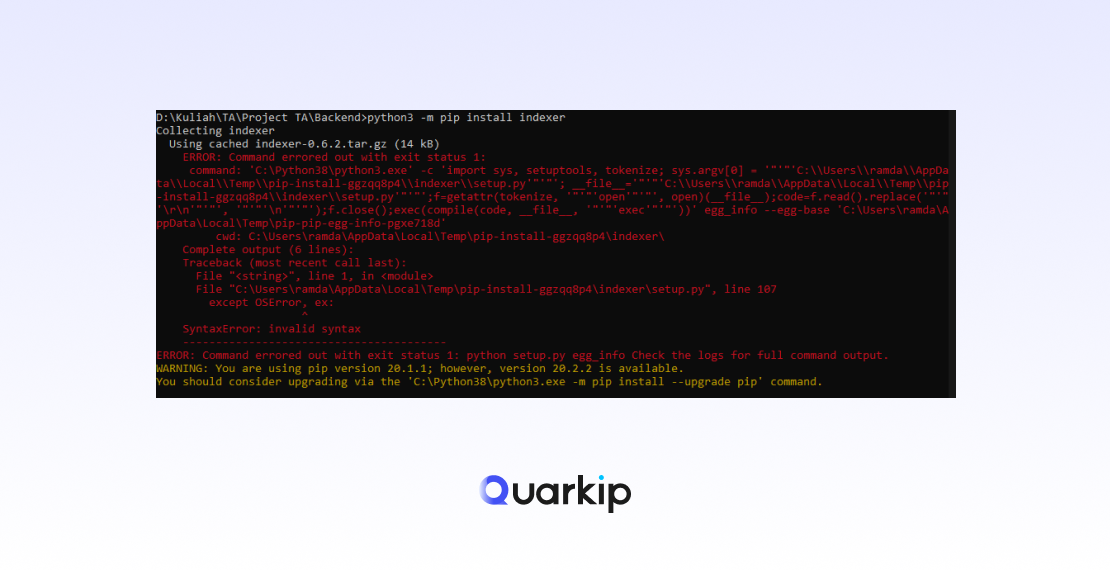
Many developers encounter the “Externally-Managed-Environment” error without changing their workflow.
Yesterday, pip install worked. Today, it fails.
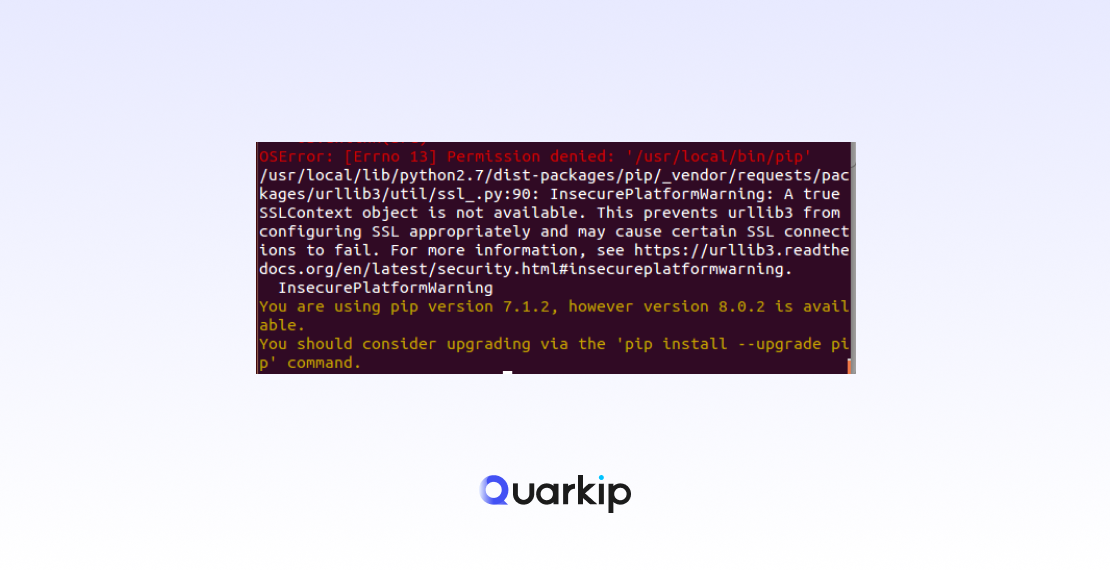
This confusion happens because the error does not originate from pip itself. Instead, it reflects a policy decision made by your operating system or Python distribution.
Understanding that distinction is the key to fixing the issue correctly.
What “Externally-Managed-Environment” Actually Means
This error tells you one thing very clearly:
Your Python environment is managed by the system, not by pip.
In other words, the OS package manager—not pip—controls where and how Python packages are installed.
As a result, pip refuses to modify the environment directly.
This behavior is intentional, not a bug.
Why Linux Distributions Started Enforcing This
Linux distributions such as Ubuntu and Debian maintain Python as a core system dependency.
Because many system tools rely on Python, uncontrolled package installs can break critical components.
To prevent this, distributions introduced a rule:
- System Python belongs to the OS
- User-installed packages must stay isolated
Therefore, pip blocks global installs and surfaces this error instead.
Why This Error Confuses So Many Users
The confusion usually comes from mismatched expectations.
On one hand, pip historically allowed global installs.
On the other hand, modern Linux systems prioritize stability over convenience.
As a result, developers see a familiar command fail, even though nothing appears “wrong” with their code.
Common Scenarios That Trigger the Error
Several situations make this error more likely:
- Running
pip installwith system Python - Using Python that ships with the OS
- Working inside minimal containers or servers
- Following outdated tutorials that assume global installs
In each case, pip detects that the environment is externally managed and stops.
Why the Error Message Mentions “Break System Packages”
The error often suggests using flags like --break-system-packages.
While tempting, this option exists mainly for advanced users who understand the risk.
Breaking system package boundaries can:
- Overwrite OS-managed dependencies
- Cause package version conflicts
- Break system tools that rely on Python
Therefore, pip does not recommend this path for most users.
Better Ways to Think About the Solution
Instead of asking, “How do I bypass this error?”, a better question is:
“Which Python environment should own my packages?”
Once you answer that, the solution becomes obvious.
Recommended Approaches
Use Isolated Environments for Development
Virtual environments exist specifically to avoid this problem.
They allow you to install packages freely without touching system Python.
As a result, you gain flexibility without risking system stability.
Separate System Python From Project Python
System Python serves the OS.
Project Python serves your application.
Once you separate these roles mentally, the error stops feeling like a blocker and starts acting like a guardrail.
Treat Global Installs as an Exception
Global installs still exist, but they now require intent and awareness.
If you truly need one, you should understand the consequences before proceeding.
When Ignoring the Error Might Be Acceptable
In controlled environments—such as disposable containers or isolated servers—breaking system packages may be acceptable.
However, this approach only makes sense when:
- You control the entire environment
- Reproducibility matters more than stability
- You can rebuild the system easily
Outside these cases, isolation remains the safer choice.
Why This Error Is a Good Thing
Although frustrating at first, this restriction improves reliability.
By enforcing boundaries, Linux distributions reduce:
- Accidental dependency conflicts
- Broken system tools
- Hard-to-debug Python issues
Over time, this leads to more predictable environments.
Final Thoughts: Don’t Fight the Boundary—Use It
The Externally-Managed-Environment error does not mean pip is broken.
Instead, it signals that the environment has rules.
Once you work with those rules—rather than against them—you gain cleaner setups, safer systems, and fewer surprises.